
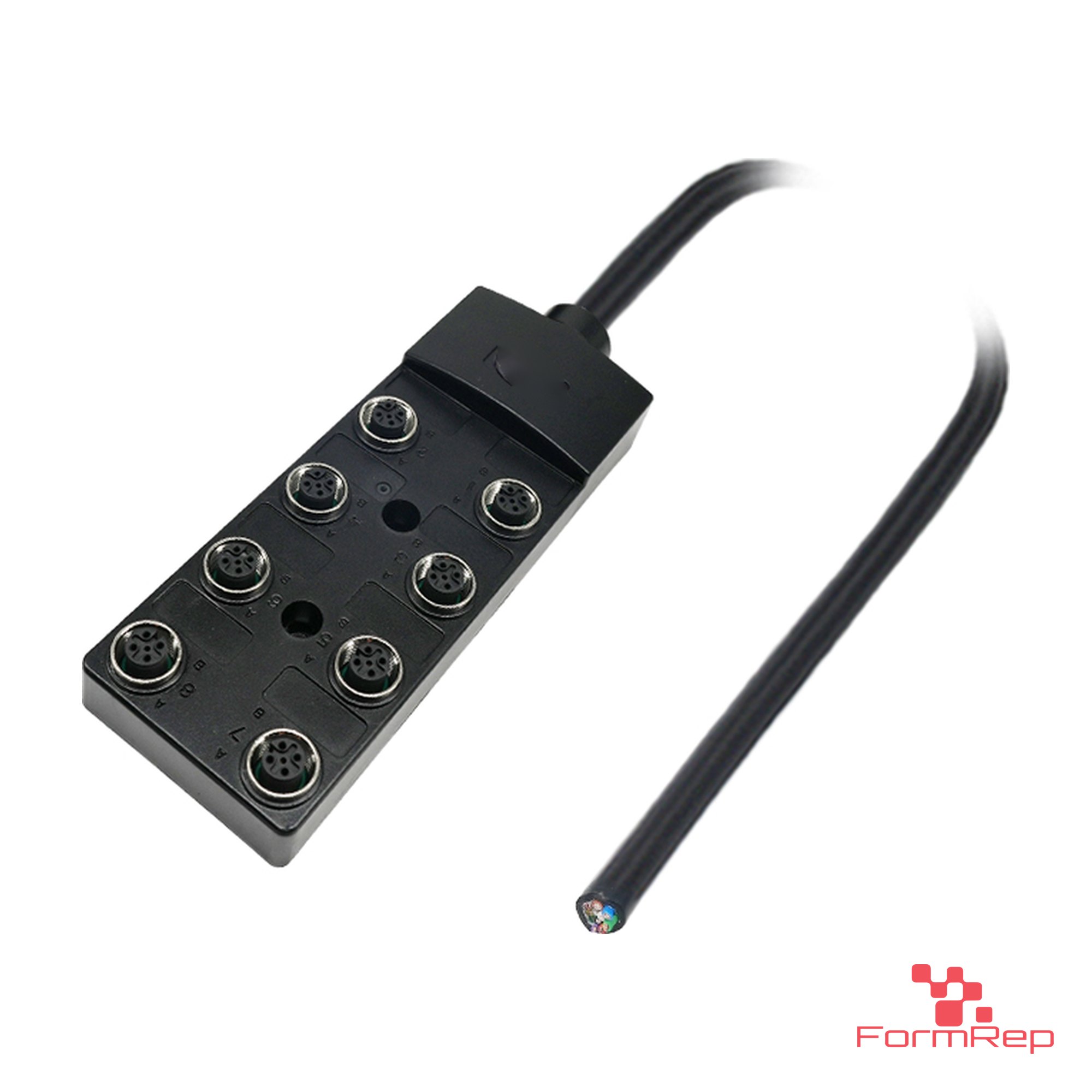
Short answer A junction box (also called a distribution box) gathers several sensors and actuators on a machine into one home-run cable back to the controller. Pick it by connector type (M8 or M12), number of ports, 3-pin or 5-pin ports, and how the home run connects: an attached cable with open ends or a single multi-pin connector.
Why use a junction box
Running one cable from every sensor back to the cabinet means a thick bundle, more terminations and more places to fail. A junction box mounted near the sensors lets each device plug in with a short cable, and one home-run cable carries everything back. Swapping a failed sensor becomes an unplug-and-plug job instead of re-terminating wires.
The junction boxes in this guide are passive: they route conductors, they don’t contain I/O electronics. For those, the controller still reads each signal on its own input.
Junction box options
| Choice | Options | What it means |
|---|---|---|
| Port type | M12 or M8 | Match the sensor cables. M12 for most machine sensors, M8 for small ones. |
| Port count | 3, 4, 6 or 8 | Plan one port per device plus a spare or two. |
| Port pins | 3-pin or 5-pin | 3-pin ports carry one signal per port. 5-pin ports can carry a second signal per port (pin 2), useful for sensors with two outputs. |
| Home run | Attached cable, open end; M23 19-pin; 1 1/8″-16UN | An open-end cable lands on terminals in the cabinet. A multi-pin connector makes the box pluggable, so it can be swapped without rewiring. |
How to pick a junction box in four steps
- Count the devices in the area and add spares.
- Check the device connectors. M12 or M8, and whether any have two outputs (then use 5-pin ports).
- Choose the home run. Open end if you terminate in the cabinet; a connector if you want to unplug the whole box.
- Check the rating. Add up the current on the common supply and stay under the box and home-run cable ratings on the data sheet.
Mistakes we see
- Buying 3-pin ports for sensors that have a second output. The second signal has nowhere to go.
- Filling every port on day one. Leave a spare for the sensor someone adds later.
- Leaving unused ports open. Close them with M12 or M8 protective caps.
- Running a home-run cable that’s too long to label and trace. Label each port and the matching conductor at the cabinet end.
Shop junction boxes
- M12, open-end home run: 4-port, 3-pin, 8-port, 3-pin, 8-port, 5-pin
- M12, pluggable home run: 8-port, 5-pin, 1 1/8″-16UN and a 6-port, 5-pin box with an M23 19-pin connector
- M8: 3-port, 4-pin, shielded
- Wiring splices: the Open Splice Junction Box for joining loose wires in a sealed, hinged enclosure
Browse them all under Junction Boxes. Sensor cables to connect them are under M12 Cables and M8 Cables.
Common questions
Do these boxes have LEDs? Check the product page and data sheet for each box; features vary by model.
Can a junction box mix M8 and M12 devices? Use an M12 box and M8-to-M12 adapter cables for the M8 sensors.
Can you build a harness to go with a junction box? Yes. We build home-run cables to length and made-to-fit harnesses for the cabinet end. Send a sketch for a quote.